I’m impressed that my old, USB-2 iPad Camera Connection Kit still seems fast to me.
After this today’s meeting, my database project has become 10 times larger but 25% simpler. I hope I can still meet my deadline.
My work day started off far more slowly than expected. Therefore, I’m coding—maybe all day—for my “number 3” project.
I took my (old) Sony RX 100 camera to the splash park to take pictures of the kids and got dozens of great shots. My wife and I looked back at our kids' baby pictures a little, after looking through today’s photos, and had a great time doing so tonight.
I beat Bastion tonight. What a great ending. I may do the second playthrough, New Game+, though I may take a break beforehand.
I’m looking forward to a visit with the family to the county fair tonight. Last year’s fair was a lot of fun.
I have been seriously considering holding on to my iPhone 7 Plus for a third year. I just got a new screen and a new battery, It looks almost brand new, I still like the camera, I never complain about it being slow, and iOS 12 promises to improve performance when I upgrade to it. I feel the same way about my Series 1 Apple Watch, too, though my desire to upgrade it to whatever model Apple releases next is still a lot higher.
Bastion is so much fun that I bought the developer’s subsequent game, Transistor.
I spent most of the day coding an Access app for work. I’m coding VBA now almost like it’s a proper object-oriented language: lots of tiny classes that do one thing only, basically no repeated code segments, use of design patterns wherever possible, and so on.
I’m enjoying this week’s Accidental Tech Podcast.
SwiftoDo Development Notes, July 2018
I took a break from SwiftoDo development to build a new app, Simple Call Blocker, which I posted about earlier this week. Building it was a fun diversion, and I learned a lot in the process, too. If you’re reading this, you’re probably wondering what’s up with SwiftoDo, however. I have been working on it this summer, too.
Since this spring, I have been promising everyone that I’m working on iOS 11+ Files app integration. This feature will let SwiftoDo open files from any cloud service provider that ties into the iOS 11+ Files app. That includes Dropbox, Box, NextCloud, OneDrive, Google Drive, and many others. Adding additional data providers to SwiftoDo has been a long time coming.
Some background on SwiftoDo data providers
I designed SwiftoDo data providers to be plugins that could be swapped out, which would allow me to support numerous cloud storage providers. I have had so much trouble getting the Dropbox data provider to be solid and stable, however, that I was loath to create more data providers. My thinking was that I was liable to cause more problems for my users (and myself!) than I would solve. Therefore, I concentrated on fixing up the Dropbox data provider code, which is now, after three or four rewrites, pretty solid.
(The Dropbox data provider code has always worked, but it had a rare but nasty crashing bug for some time, and some issues related to stability, ability to handle spotty network connections, and ability to handle, gracefully, Dropbox “rate limit exceeded” API responses.)
iOS 11’s Files app, which I did not anticipate being available when I first wrote SwiftoDo, obviates the need for additional “native” data providers. I just wasn’t sure if SwiftoDo would be able to tie into it.
Can Files integration be used for SwiftoDo?
I have been under the impression that integrating with the Files app would require a rewrite of major sections of the app, or would simply not work well due to sandboxing limitations. I thought this because all Files-based iOS apps that I have used follow Apple’s “Document-based app” template very closely: Think “Microsoft Word” rather than “Reminders” in terms of user interaction patterns. They open to a file browser, you open a document (typically a single document), work on the document, save it (automatically), and close the app. The life cycle of a document is fairly limited: after the app is killed, your file is closed and does not reopen on load. Most of these apps don’t work offline at all, unless you’re working with local-only files, because they can’t open your file.
In contrast, SwiftoDo works a lot differently. It manages your task list locally and syncs it to an external file. It lets you archive completed tasks to a second external file. It keeps the opening and choosing of files down to a minimum. Most users set up their todo.txt and archive files once and never touch those settings again. It lets you work offline (primarily in “manual sync mode”, but also when the network is unavailable) and sync your changes to the cloud on demand.
Integrating SwiftoDo with the Files app, without giving up anything, seemed like it might be a considerable challenge.
A “Files” data provider
To my surprise, implementing a “Files” data provider has not been as challenging as I thought it would be. Accessing documents via the iOS document picker and restoring them after the app is killed, via secure bookmarks, is actually pretty easy. It took me only a couple hours to set up a data provider that would upload and download to iCloud Drive and even Dropbox through the Files app.
That is not nearly enough to ship the feature, though. There are still some issues regarding stability and error handling that I have to work through.
Adding this feature also prompted me to display file names in Settings (rather than 2 screens deep in Settings) and atop the task list in the main view.
What is next?
After I finish the Files data provider work, and the new Xcode and iOS versions are officially released, I plan to build SwiftoDo on the iOS 12 SDK and drop iOS 10 support. I’ve been thinking of bumping the version number to 3.0 at that point, to mark the change in iOS compatibility.
I will also consider the future of Files integration in SwiftoDo. It temping for me to remove the entire “data provider” layer and just make SwiftoDo a normal iOS document-based app. That would be a big deal, and I would not make that change unless I understood fully what that would mean for users. I also have to consider how long I will continue to support the existing Dropbox data provider, as it will be somewhat redundant.
After that, I will have the opportunity to simplify the codebase quite a bit. It is tempting for me to rewrite some or all of the UI layer, to incorporate the new techniques I have learned since coding version 2, over a year ago. Any changes to the UI code will probably be related to new features or a minor redesign of the sorting/filtering interface that I have been thinking about.
Introducing: Simple Call Blocker
Recently I released a new iOS app: Simple Call Blocker.
It is a free utility that lets you block unwanted calls to your iPhone. Unlike most of the call blockers on iOS, it allows you to block whole ranges of numbers, such as your phone number’s extension, for free. You may also whitelist numbers, ranges of numbers, or all your contacts’ phone numbers, so that they will not be blocked by this app, even if they are in the blacklist.
The Simple Call Blocker website explains it in more detail.
Why did I write it?
I wanted to write a small, relatively simple app that would allow me to explore the following things:
- iOS application architecture: I have been reading books and articles on iOS application architecture, and decided to create a new app to practice new techniques, such as the use of coordinators for navigation rather than storyboard segues, that I have been learning.
- algorithms and operation queues: I started the app by writing some simple algorithms for creating sequential phone number ranges to load into an iOS CallKit directory extension. The last thing I wrote was a multi-threaded operation queue for processing blacklist and whitelist rules and refreshing the iOS call directory extension that actually blocks the phone numbers.
- Core Data: I avoided learning Core Data for years; that changed with this app.
Overall, the app was a lot of fun to write. It took me about a month in my after-hours “free time” to create. The overall process has made me a better iOS app developer. I’m excited to bring forward the skills and concepts I developed on this project to future work.
Why a call blocker app?
I started getting neighbor spam calls, so I downloaded nearly all the iOS call blocking apps I could find. There were fewer such apps than I thought there would be, all of them seemed amateurish in some way or another, and all of them (as of a month ago) required an in-app purchase or a subscription to block my neighborhood exchange. I wasn’t willing to pay for that feature in any of the apps that I tried, because all of those apps weren’t that good. Plus, blocking an exchange, or a continuous range of numbers, is pretty trivial, so I thought I could create an app that did that, and offer it for free to people.
So is this just a “practice” app?
No. It is well-written and works as well as iOS’s Call Directory extensions allow it to. It has a rough edge or two, though, in that it reloads its directory extension and reports success or errors back to the users, rather than trying to prevent the user from ever encountering an error from being reported by the directory extension loading process.
What that means is that you can ask Simple Call Blocker to block more numbers that iOS will allow—there is an undocumented limit—and the app has to wait for the CallKit Directory Extension’s load process to report success or failure before it can tell the user what is going on. I decided not to try to impose limits on how many numbers could be blacklisted, but instead allow the app to report the Directory Extension’s errors, if any, back to the user. I figure that the undocumented maximum number of blocked phone numbers probably is dependent on whatever hardware is in your phone, and probably is increasing in every new iPhone model.
The Simple Call Blocker directory extension is coded extremely conservatively, and it optimized for very low RAM and system usage. If iOS cannot load it, it is because the user put too many numbers in the blacklist, or because it is still loading numbers from a prior attempt.
Releasing the app for free, I think, makes it OK that it may not work exactly as users expect it to.
What is the future of this app?
I plan to support it through various iOS releases, but otherwise not improve it too much. After all, it is a free app.
I want to know more!
Go ahead and download the app in the iOS App Store (it’s free!), and check out the FAQ online.
Introducing my latest iOS app: Simple Call Blocker
Simple Call Blocker is a free app for blocking unwanted calls on iOS.
It provides a basic way to block lots of numbers via a CallKit directory extension–which is great for blocking neighbor spam.
Unlike almost every other call blocker out there, mine is completely free and doesn’t need access to your contacts to work.
Try it out. It’s free.
If you want to know more, there’s a website with screenshots and a FAQ. I wrote a blog post describing my motivation for writing it, too.
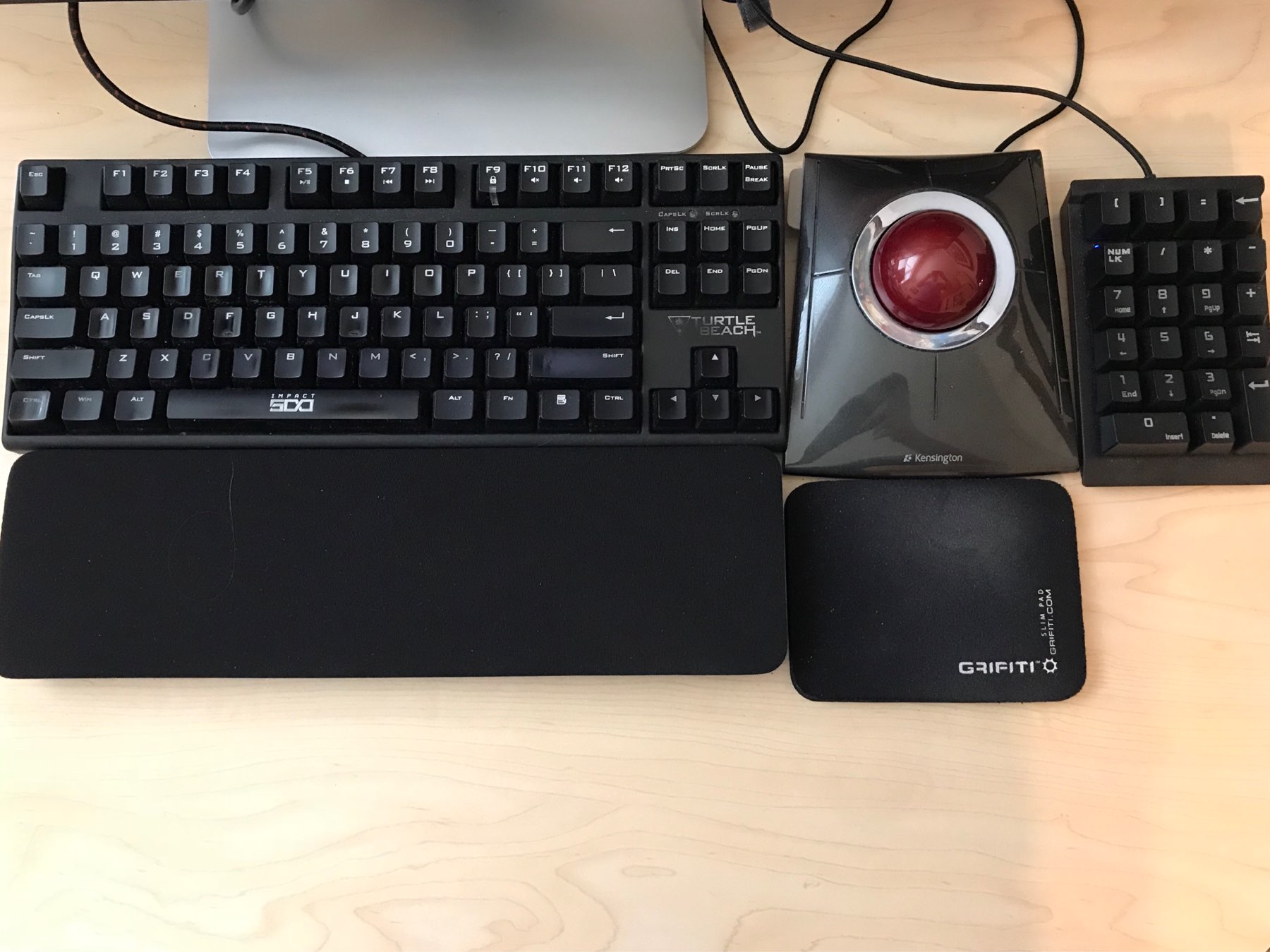
I replaced my old, crumbling, extra- extra large Grifiti wrist rest with a new one, suitably sized for my tenkeyless keyboard. It was a good move.
🎵 Tonight I’m working overtime and listening to The Hold Steady, which almost makes it all right.
Vacation is wonderful, but boy does it feel like a due date for everything that’s open at work.
I left my iPhone at the Apple Store for a screen repair and a new battery. I’m using my Essential Phone as an actual phone for the first time this afternoon. I do not plan to write a “switching post” though—it’s just temporary. 😀
I find myself shifting my listening time away from podcasts and more toward music lately
I started listening to podcasts in 2008. I think, now, I am, for the first time, burnt out on the medium. I listen to a lot of podcasts while I work, but lately I’ve found I can barely remember what the episodes were about shortly after they finish. I think I am tuning them out.
I am paring back my subscriptions down—way down—to a few favorites and listening to more music instead. It’s symmetrical to how I got into podcast listening: I was burnt out on listening to music all day long, and became uninterested in music for several years.
Hot take: The 12.9" iPad Pro I’m working on right now is not large enough!
On Internet Trolls
“DON’T FEED THE TROLLS, AND OTHER HIDEOUS LIES” is a great article by “Film Crit Hulk” on our collective failure to respond properly to internet trolling culture.
A Twitter follower reminded me of a line in the famous parable from Bion of Borysthenes: “Boys throw stones at frogs in fun, but the frogs do not die in fun, but in earnest.” Defenders of trolling insist it’s all just a joke, but if trolling is inherently designed to get a rise out of someone, then that’s what it really is. In many cases, it is designed to look and feel indistinguishable from a genuine attack. Whether you believe what you are saying or not is often immaterial because the impact is the same — and you are responsible for it, regardless of how funny you think it is.
I think that there is a fundamental misunderstanding of trolling. It isn’t a joke. It isn’t done for the lulz. “It’s just a joke” is an obvious cover for bad behavior.
It reminds me of an episode from my youth. In high school I had a friend who had a stash of Playboy magazines that he got (I think) from an older brother. Somehow we found out about them, demanded to see them, and teased him about them as we thumbed through them together. “Why do you have these” we would ask, teasingly, knowing full well why he had them. My friend’s face would grow bright red and we would stammer: “because they’re so funny”. When pressed, he would double down on it: he would swear, up and down, that he had them because they were hilarious. Sure they were.
It puzzles me, why we act as if it’s even possible that verbal abuse on the internet is “just a joke”. A decent response to “it was just a joke” is “it doesn’t matter”.
The biggest mistake we ever made with trolls was making the question of abuse about how to placate and fix them instead of how to empower the people they hurt or manage your own well-being in the face of them. Like so many abused people, we thought the solutions involved walking on eggshells and not provoking them back. But instead, we must acknowledge “that we are what we pretend to be, so we must be careful about who we pretend to be.” And that means acknowledging the awful, terrifying power of jokes and the immunity we seek in “not being serious.” This is exactly why people troll in the first place. Because deep down, they know it’s serious, and that’s exactly why it makes them feel powerful.
In the online world, people who violate community standards should be banned from those communities. Gathering spaces online are not public spaces: almost all of them are owned by private companies or individuals. Freedom of speech is up to the owner of the space; the level of discourse there directly reflect’s the owner as well. By law, they might not be legally responsible for the content of their site, but they are ethically and morally responsible for it, regardless. Owning and running a site where terrible things happen should be a black mark on a company’s or a person’s reputation—and that should matter.
It would be nice if people started to care about reputation again, and if bad reputations led to lower profits and lower stature in the global community. Sadly, we are in a time, right now, where that does not seem to be the case.
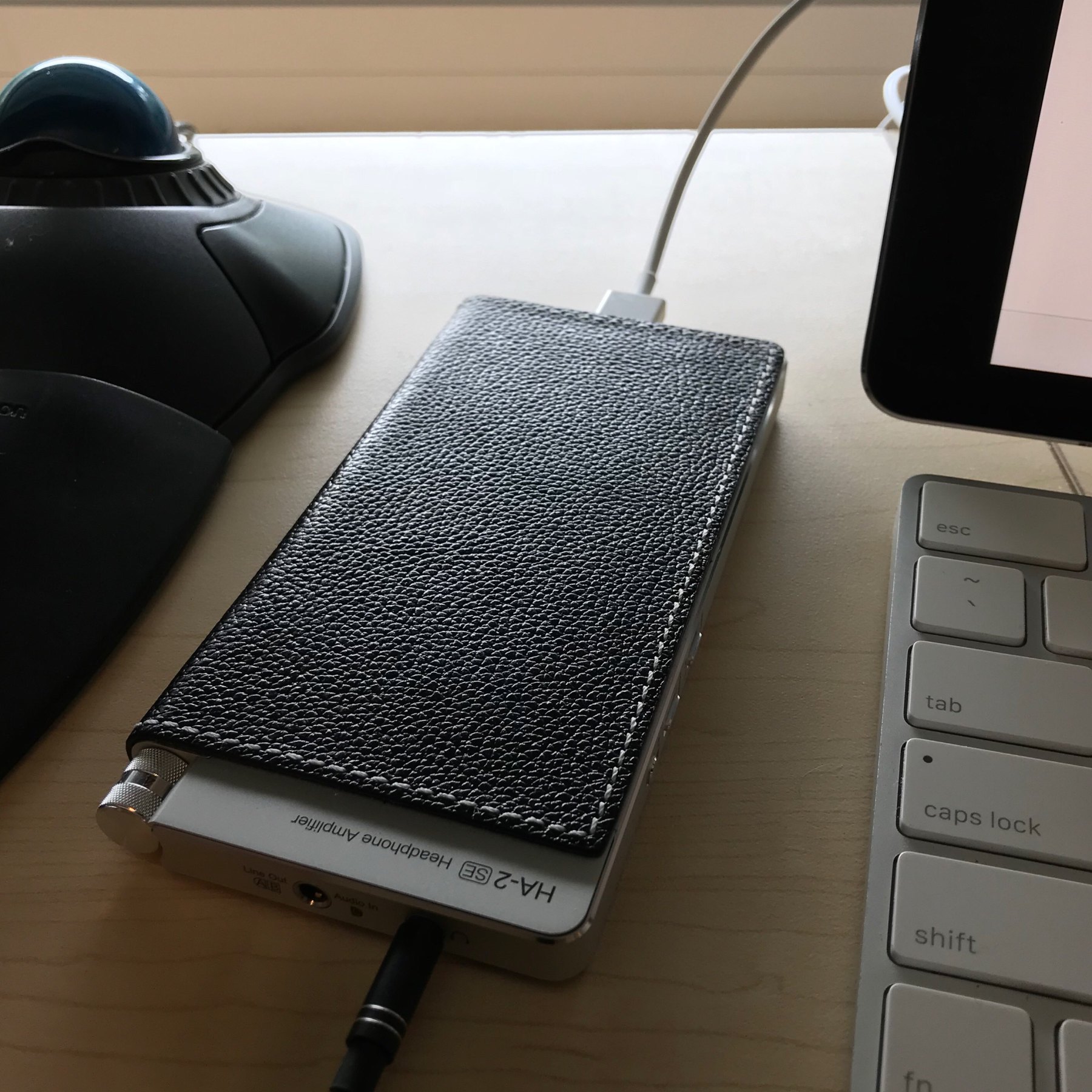
🎵 I’m back to my wired OPPO PM-3 & HA-2 SE headphones stack today, listening to Foreverland, by The Divine Comedy. It’s an album that slipped by me in 2016. I used to love The Divine Comedy in the late 1990s, and still take Casanova for a spin every six months or so.
Trial runs for fascism are in full flow
This article by Fintan O’Toole in The Irish Times is a few weeks old now, but I keep thinking about it.
Fascism doesn’t arise suddenly in an existing democracy. It is not easy to get people to give up their ideas of freedom and civility. You have to do trial runs that, if they are done well, serve two purposes. They get people used to something they may initially recoil from; and they allow you to refine and calibrate. This is what is happening now and we would be fools not to see it.
Mr. O’Toole lays out a simple and convincing argument outlining ideas that I have been mulling over in my head, but not writing much about, since Trump’s election on November 8, 2016. What has happened—at an accelerating pace, I think, since last year—is that the bounds of what is considered normal have been stretched so far into what was previously outrageous that I fear there is no going back. If Trump and the Republican Party are proving that the U.S. president is above the law, and that much of what governed the government was merely tradition, which is disposable for political expediency, then what, if anything, will constrain the power and the actions of future U.S. presidents?
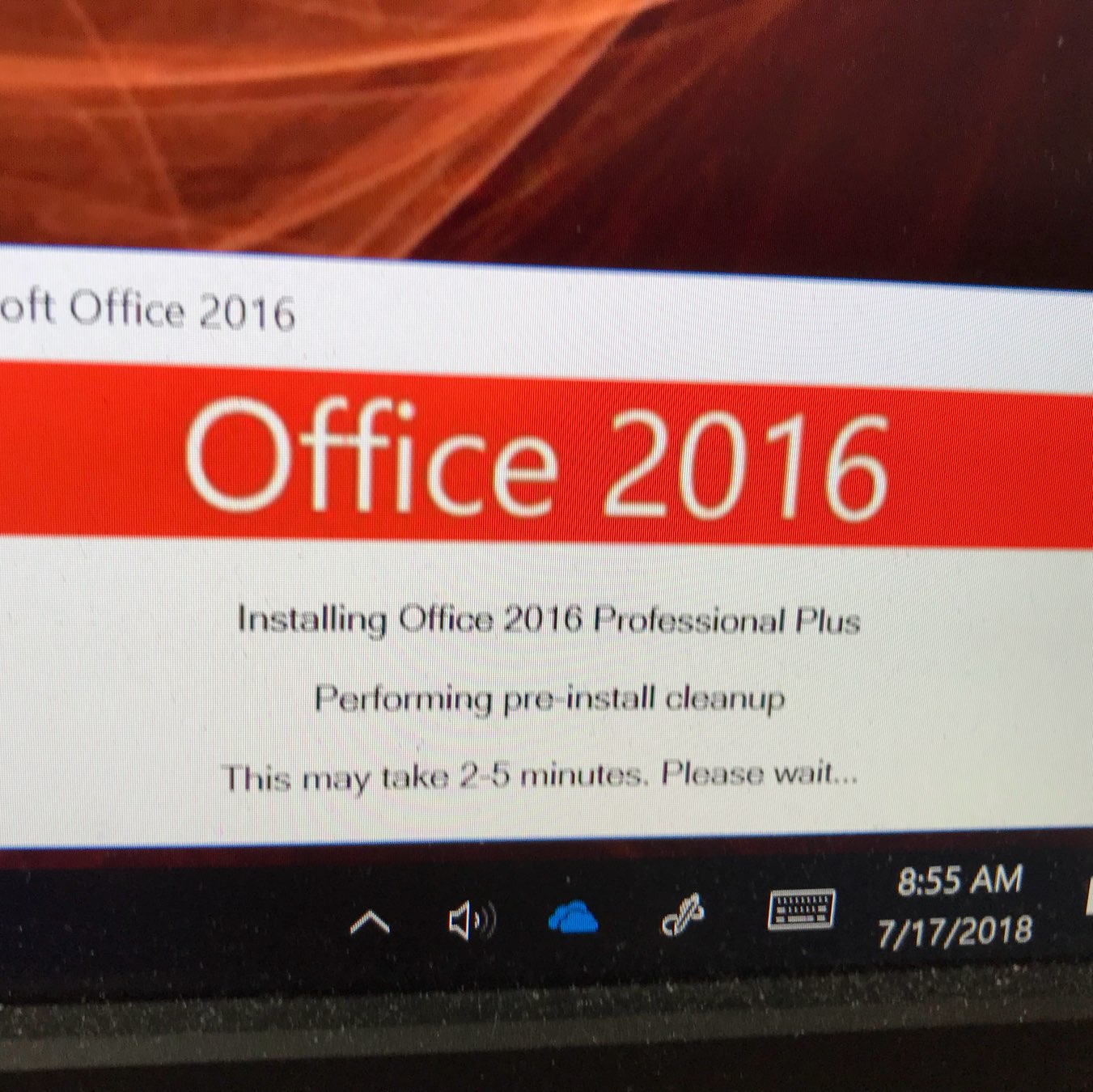
Oh! I’m getting a Microsoft Office update this morning. I wonder what office suites were like in the year 2016…
I have pared back my Twitter following list to Lin-Manuel Miranda and Ole Begemann, which is sometimes weird and sometimes delightful, the few moments per week I check in on them.
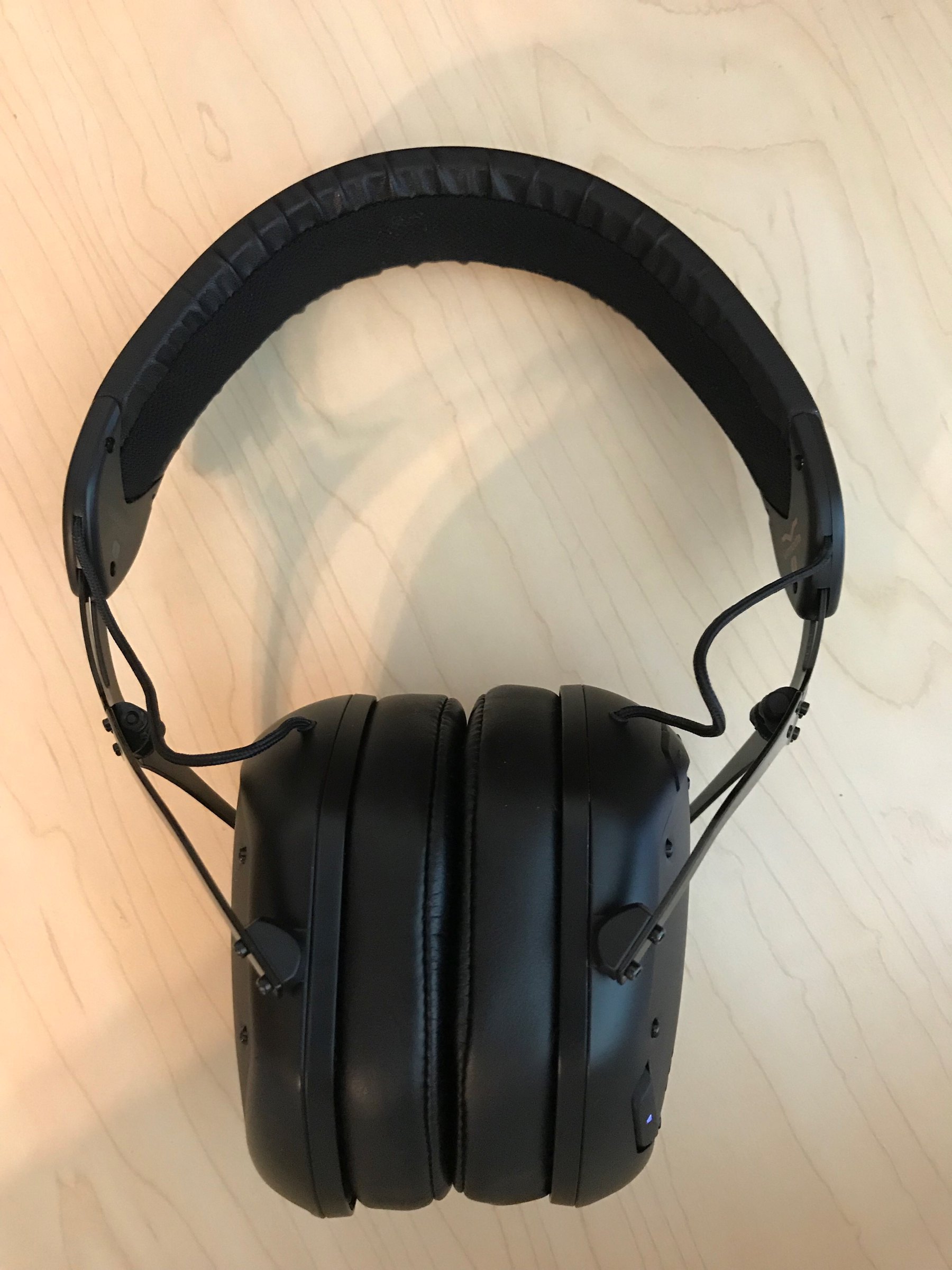
I’m super pleased listening to these V-Moda Crossfade 2 Codex Edition headphones all day at work, over Bluetooth. (Wireless use is pretty rare for me.) Great sound. Great isolation. The top of my head is a little sore from the headband, though. (They are kind of heavy.) 🎧